Interactive demos
TR-069 router management
Choose a fictional TR-069 router, inspect its WAN and Wi-Fi settings, and preview a remote configuration change.
Choose controls and inspect the results. All changes affect this fictional browser-local sample. Use Reset sample to replay.
TR-069 router managementFICTIONAL SAMPLE NETWORK
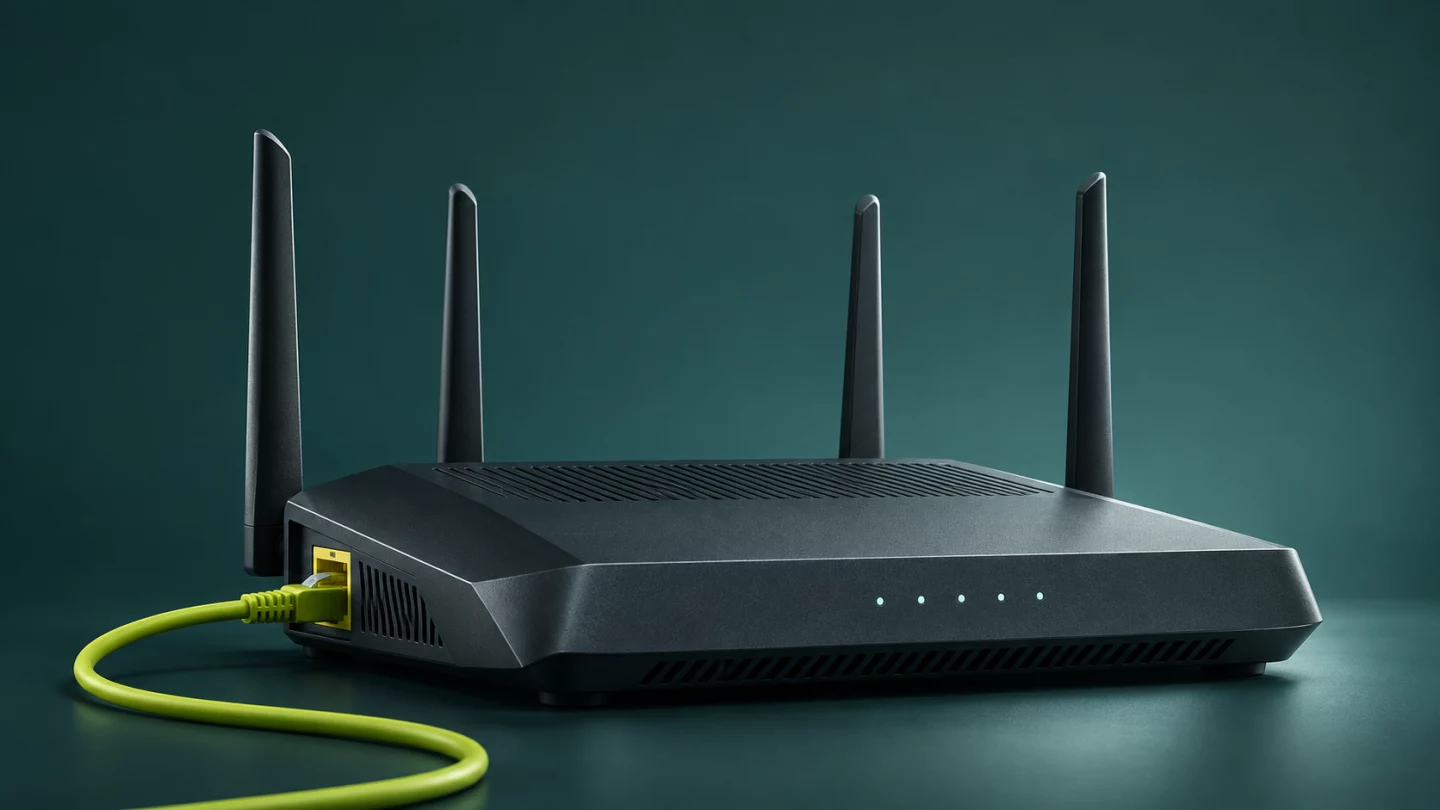
Subscriber equipmentRTR-01
Wi-Fi network
IconWave-Sample-01
Channel 6Connected devices 3
07:0008:0009:00
dBm · Sample readings in UTCAccess connection
WAN connected · PPPoE · sample•••
VLAN 100 · TR-069 (CWMP) via ACS
Disconnected 08:20 UTC
Back online 08:30 UTC
Fixed sample · 12 Nov 2026, 09:00 UTC · No real equipment
Connect your network. Connect your operations.
See your network. In a new light.
See how IconWave can simplify monitoring, automate device management and give your team a complete view of your network.
Request a Demo