Router provisioning & Wi-Fi support →
When a replacement router comes online, verify its service VLAN and restore the expected Wi-Fi name before closing the installation ticket.
Follow customer routers, ONTs and upstream relationships in one connected workflow.
Explore the sample workflow ↗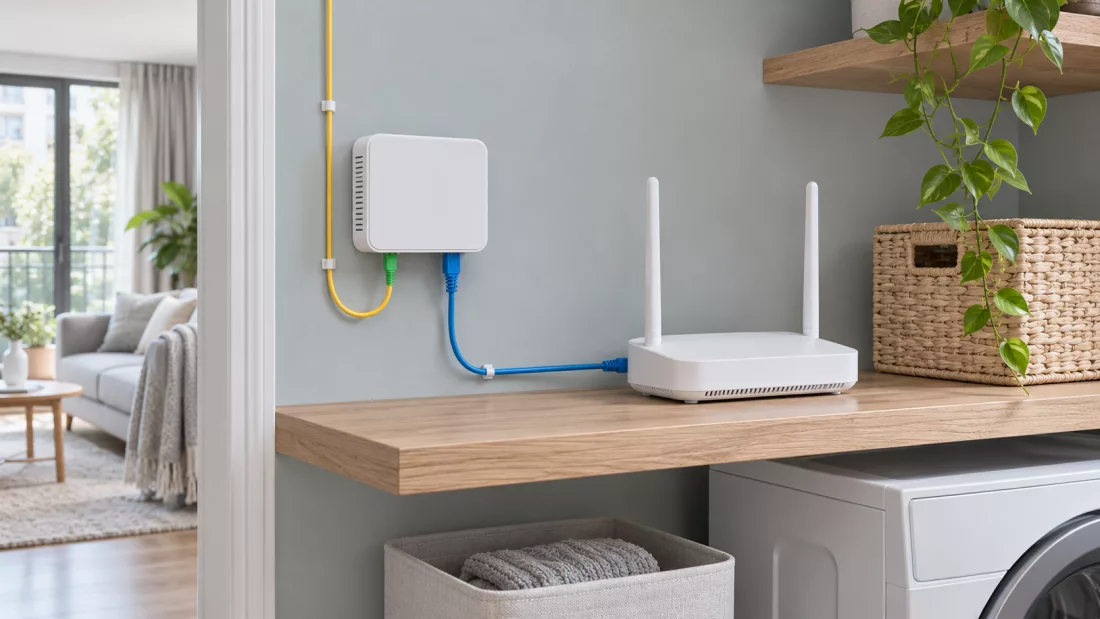
When a replacement router comes online, verify its service VLAN and restore the expected Wi-Fi name before closing the installation ticket.
If only one ONT has weak receive power, check that subscriber’s drop. If several ONTs go down together, investigate their shared fiber path.
Before taking an access switch offline, identify the devices and subscribers downstream so support knows whom to notify.
Wi-Fi network
WAN connected · PPPoE · sample•••
VLAN 100 · TR-069 (CWMP) via ACS
Disconnected 08:20 UTC
Back online 08:30 UTC
See how IconWave can simplify monitoring, automate device management and give your team a complete view of your network.
Request a Demo